
What running a private AI assistant on your laptop actually means
A private AI assistant on your laptop means the model runs on your machine, your data never leaves your drive, and the whole thing works whether or not you have internet. No API calls to OpenAI, no logs on someone else's server, no subscription that vanishes when a company pivots. The tradeoff is real: setup takes longer, models are smaller, and you need decent hardware. But if privacy, reliability, or offline access actually matters to you, local is the only setup that delivers it.
This post covers how it works under the hood, what hardware you realistically need, and where local beats cloud versus where it falls short.
---
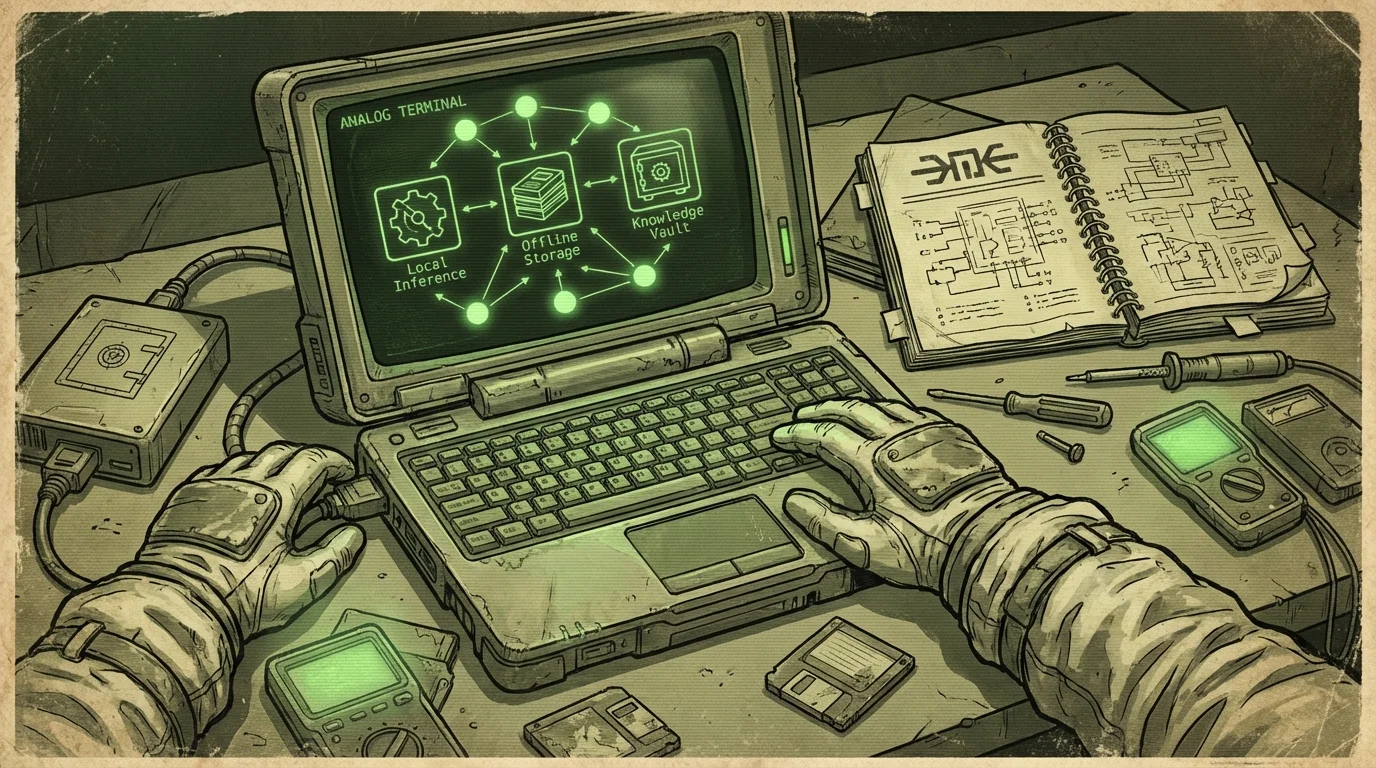
How local inference works
When you use ChatGPT, your prompt travels to a data center, gets processed on expensive GPU clusters, and returns an answer. The model lives on their hardware. You are a client hitting an API.
Local inference flips that. The model weights, which are the billions of numerical parameters that make up a language model, sit on your own drive. When you send a prompt, your CPU or GPU runs the math directly. The answer is generated on your machine.
The reason this is now practical on normal laptops is quantization. Full-precision model weights take enormous storage and memory. Quantized versions compress the weights by reducing numerical precision, typically to four or eight bits per value. A 7 billion parameter model at four-bit quantization fits in roughly 4 to 5 GB of RAM. That runs on a modern laptop with 16 GB, slowly but usably.
llama.cpp is the main engine that made this work on consumer hardware. Most local AI apps, including Wisdoom, use it or something built on top of it. You do not need to touch it directly, but it is why local inference exists outside data centers.
---
Private AI assistant on your laptop: what "private" actually means
Private gets thrown around loosely. Here is what it means in practice for a local setup:
Your prompts are not logged. Cloud AI providers log requests for safety review, model training, and debugging. With a local model, your prompts go nowhere. They are processed in memory and that is it.
Your documents stay on your drive. If you paste a contract, a medical note, or a personal journal into a cloud AI, that text hits a remote server. With local inference, it never leaves your filesystem.
No account, no subscription, no identity. You are not authenticated to anything. There is no account to get hacked, no email to spam, no payment method to leak.
The model cannot be updated or changed without your consent. Cloud models get updated constantly. The behavior can shift, capabilities can be removed, and you have no say. A local model is a file. It does not change unless you replace it.
What privacy does not mean: local AI is not magic. If your laptop is compromised by malware, the attacker can read your prompts and documents. If your drive is unencrypted and gets stolen, the data is readable. Local just removes the external server from the threat model, which is often the main concern.
---
What hardware you actually need
This is where honest expectations matter. Local models run on a spectrum, and "it works" varies a lot.
Minimum viable setup: A laptop with 16 GB of RAM and a modern CPU from the last four or five years. A 7 billion parameter quantized model runs here, producing maybe two to eight tokens per second on CPU. That is functional but not fast. Short answers take a few seconds. Long ones take a minute.
Good local AI laptop: 32 GB of RAM and an Apple Silicon chip (M1, M2, M3, or M4 series), or a Windows machine with a discrete NVIDIA GPU. Apple Silicon is genuinely exceptional for local inference because the unified memory architecture lets the GPU and CPU share the same RAM pool. A 13 billion parameter model on an M2 MacBook Pro runs fast enough that you stop noticing the hardware.
Strong setup: 64 GB of RAM or more, with GPU acceleration. You can run 30 to 70 billion parameter models, which produce much better reasoning and writing. These are the setups homelab people run. Not necessary for most users.
Storage: Model files sit alongside your data. A single 7B model takes 4 to 5 GB. A 13B model takes 8 to 10 GB. An offline knowledge library with Wikipedia, manuals, and reference documents adds another 20 to 80 GB depending on scope. Plan for at least 50 GB of free space for a practical local setup.
See how much storage offline AI needs for a fuller breakdown of what different bundles cost on disk.
---
The local knowledge vault: why a model alone is not enough
A plain local model knows things from its training data, but that knowledge is frozen at the training cutoff and has no citations. Ask it to source a claim and it will either hallucinate a reference or admit it cannot.
Retrieval-augmented generation (RAG) fixes this. Instead of asking the model to recall facts from training, you store documents locally and have the model search them before answering. Your prompt retrieves relevant chunks from your vault, those chunks get included in the context window, and the model answers with actual material to cite.
This is what turns a local model from a fancy autocomplete into something that can actually work as a reference tool. You build a vault of offline knowledge, whether that is Wikipedia dumps, technical manuals, field guides, or your own notes, and the model uses it.
The quality of the vault matters as much as the model. A strong model on weak source material gives you confident nonsense. A decent model with good, curated documents gives you reliable, checkable answers.
Wisdoom ships with managed offline knowledge bundles and local retrieval built in, so you do not have to wire up a RAG pipeline yourself. The citations link back to the source document in your vault. You can read the original. That is the baseline for trusting a local AI for anything important.
---
Local versus cloud AI: an honest comparison
Neither is universally better. Here is where each wins:
| Factor | Cloud AI | Local AI |
|---|---|---|
| Setup | Sign up and go | Hours to days |
| Response speed | Fast | Slow to decent, hardware dependent |
| Model quality | Very strong | Good, not as strong |
| Privacy | Weak | Strong |
| Offline access | None | Full |
| Cost over time | Subscription or per-token | One-time hardware and storage |
| Document privacy | Risky | Safe |
| Works during outages | No | Yes |
| Censorship risk | Yes | No |
Cloud AI is easier and produces better answers on average. If your use case is writing help, quick research, or code generation and you do not care about privacy or offline access, cloud tools are probably fine.
Local AI is better when any of these are true: you are working with sensitive documents, your internet is unreliable, you travel to places with restricted internet, you want to stop paying per-token fees, or you simply want a tool that you fully control.
For a longer comparison of what offline AI covers versus what it does not, see what is offline AI.
---
Realistic use cases that justify the setup time
Some people set up local AI because the concept excites them. That is fine. But here are cases where it actually earns its complexity:
Lawyers, doctors, and therapists who want to use AI assistance without putting client data on external servers. This is not paranoia. It is professional ethics and sometimes legal compliance.
Rural users and travelers who deal with unreliable connections. A local setup that works on a plane, in a rural cabin, or during a prolonged outage is worth a lot more than a fast cloud tool that goes dark when the router does.
Researchers and writers who want a knowledge vault tied to their own document collections. Indexed local PDFs and notes that you can query is genuinely useful in a way that generic cloud AI is not.
Privacy-conscious users who are done feeding their intellectual work into training pipelines. The concern is legitimate. Cloud AI providers are not always transparent about what gets retained and how it gets used.
People thinking about resilience who want tools that keep working when infrastructure fails. A bad storm, a regional outage, a service shutdown, or a sudden paywall can take away your cloud AI with zero notice. See how to prepare a laptop for internet outages for a practical kit approach.
---
FAQ
Does a private AI assistant work completely without internet?
Yes, once it is set up. The model weights and knowledge library live on your drive. There are no external calls during inference. You can disconnect your machine entirely and it works the same.
Can I use my own documents with a local AI?
Yes, through local retrieval. You index your documents into the vault, and the model can search them when answering questions. It will cite the source document so you can check the original.
Is local AI slower than ChatGPT?
Usually yes, depending on your hardware. On a modern Apple Silicon MacBook or a machine with a GPU, the gap shrinks significantly. On a CPU-only machine with 16 GB of RAM, responses are noticeably slower. It is workable, not fast.
What models are available for local use?
Open-weight models like Llama 3, Mistral, Phi, and Gemma are commonly used for local inference. They range from 1 billion to 70 billion parameters. Wisdoom manages model selection so you do not have to evaluate them yourself.
Is a private AI assistant actually private if my laptop gets hacked?
No. Local removes the external server from the threat model. It does not protect you if your own machine is compromised. Use full-disk encryption and keep your OS patched.
How much does it cost to run a private AI on your laptop?
The hardware cost is whatever your machine already cost. Storage for models and a basic knowledge library is around 50 to 100 GB, which is cheap on any external drive. Most local AI software either charges a one-time fee or is open source. There are no per-token costs.
---
Running a private AI assistant on your laptop is not for everyone, and that is fine. But if privacy, offline access, or control over your own tools actually matters to you, the local setup is the only one that delivers on those claims. Cloud AI cannot. By definition, it is someone else's computer.
Wisdoom is built for this exact setup: a local model, a built-in offline knowledge vault with citations, and no server in the loop. If you want something that works when the internet does not, take a look at what Wisdoom ships with or download it and run your first local query.