
Can ChatGPT work without internet? (Short answer: no)
ChatGPT requires an active internet connection to function. Every query you type gets sent to OpenAI's servers, processed there, and returned to your screen. If your connection drops, the app stops working. There is no offline mode, no cached intelligence, no local fallback. The same is true for Claude, Gemini, Copilot, and every other major cloud AI product. They are server-side tools with a client-side window. Cut the connection and the window goes dark.
That is not a flaw in the design. It is the design. Cloud AI keeps the model on their hardware because the models are enormous, expensive to run, and updated constantly. Your laptop is just a browser tab pointing at a data center.
This matters more than it sounds like it should.
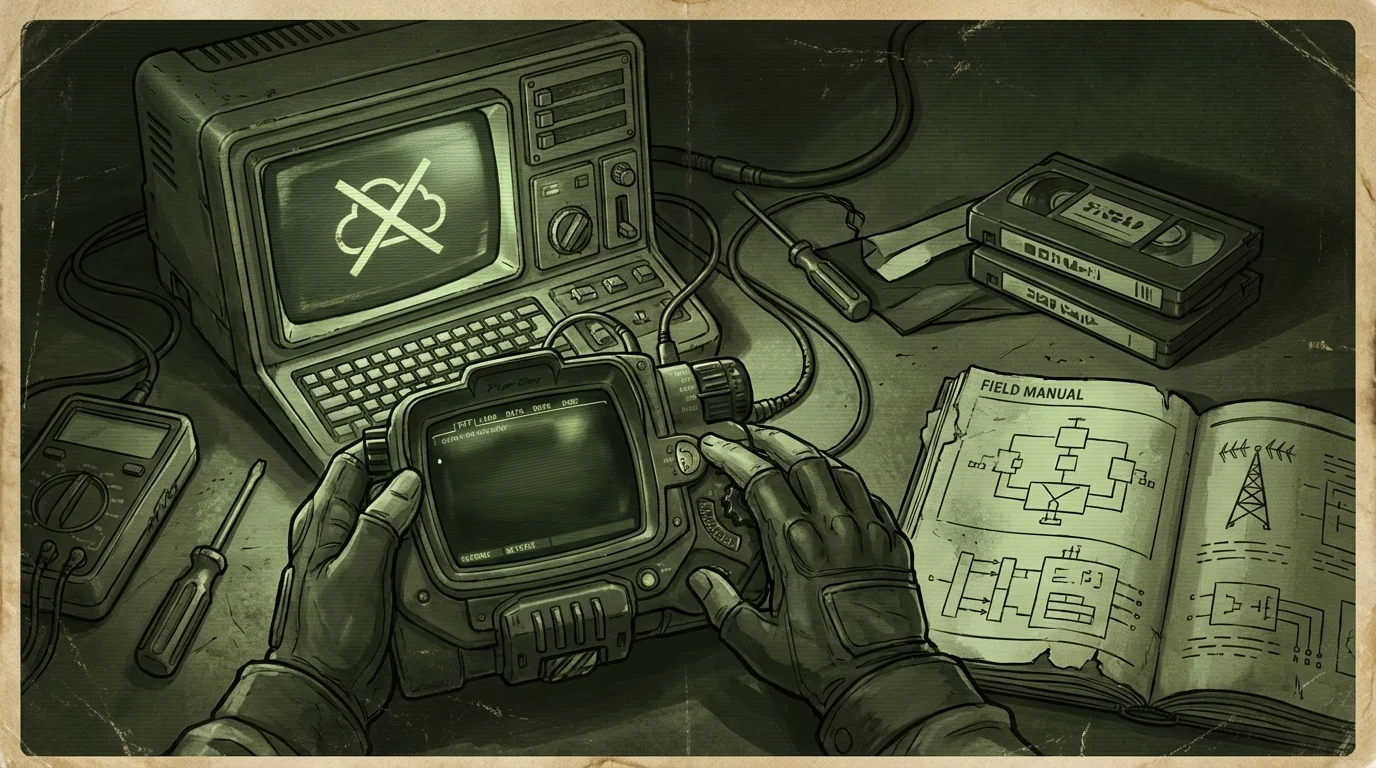
Why cloud chatbots fail when you need them most
The moments when you most want fast, reliable information are often the moments when your internet is least cooperative.
Power outages frequently take out local infrastructure. Storms that knock out power also knock out cell towers and ISPs. Rural and remote areas have patchy coverage on a good day. International travel means either paying for roaming data or hunting for Wi-Fi. And in scenarios involving infrastructure disruption, civil unrest, or regional censorship, cloud services can become unavailable in ways that are completely outside your control.
Even on a normal Tuesday, cloud AI has failure modes that are easy to forget about. Rate limits kick in. Servers go down for maintenance. Subscriptions lapse. Companies change their terms or kill products. OpenAI has had multiple significant outages over the past two years. The ChatGPT status page is not exactly boring reading.

There is also a softer version of this problem: latency. If you are on a slow connection, cloud AI becomes sluggish and unreliable. Sometimes it times out entirely. The product assumes a fast, stable connection, and when that assumption breaks, the whole experience degrades.
What "offline AI" actually means
Offline AI means the model runs on your own machine. No server calls, no API keys, no internet requirement. The inference happens locally, using your CPU or GPU, and the output never leaves your device.
This has become genuinely practical over the last two years. Quantized models like Llama 3, Mistral, Phi-3, and Gemma can be compressed enough to run on a modern laptop with 8 to 16 GB of RAM. They are slower than cloud models, and they are not as capable on complex tasks, but they work entirely offline. You can run them in a tent in a field with no signal, and they will answer questions.
The tradeoff is real. Local models require setup. They need disk space, anywhere from 4 GB to over 20 GB per model depending on size and quantization. They run slower, especially on machines without a dedicated GPU. And they do not have the same breadth of capability as a frontier cloud model like GPT-4o.
But "works without internet" is a meaningful feature. Whether it matters to you depends on what you are actually trying to do.
Can ChatGPT work without internet via an app download?
People sometimes ask this because ChatGPT has a desktop app for macOS and Windows. The app looks like local software, so the assumption is reasonable.
The app is still a cloud product. It wraps the web interface in a native shell, but every query still goes to OpenAI's servers. Close your Wi-Fi and the app stops responding. There is nothing stored locally that can answer questions on its own.
The same applies to browser-based AI extensions, cached versions, or any "ChatGPT offline" guides you might find online. If the underlying model is not running on your hardware, you are not offline. You are just pretending.
There is an offline-adjacent exception worth mentioning: some tools let you download a conversation history or exported notes from ChatGPT. That gives you a static text archive you can read. It does not give you a working AI that can reason over that content. Reading old notes is not the same as having a system that can answer questions about them.
What local alternatives actually exist
If you want AI that works without internet, you need a local model. Here is what that looks like in practice.
Run it yourself with something like Ollama. Ollama is a tool that lets you download and run open-source models locally on macOS, Windows, and Linux. It is free, relatively simple to set up, and gives you access to a range of models. The catch is that it is a command-line and API layer, not a polished app with a document library. It is aimed at people comfortable with a terminal.
Use an app that wraps local models. There are several desktop apps that put a chat interface over local models, including LM Studio, Jan, and others. These lower the barrier significantly. You still need to download models manually, manage storage, and figure out what you want.
Use something built for offline use with a real knowledge library. This is where Wisdoom fits. It handles model management for you, runs locally on macOS, Windows, and Linux, and adds a built-in offline knowledge vault with citations. The idea is that a local model alone is useful, but a local model paired with a curated offline library of real sources is significantly more useful. You can ask questions and get answers that point to where the information came from, rather than getting hallucinated confidence.
You can read more about how this fits together on the Wisdoom home page or in the Field Notes blog.
When local AI is worth the setup
Not everyone needs offline AI. If you work in a stable office environment with reliable internet and no particular privacy concerns, cloud AI is easier and more capable. That is a fine choice.
Local AI is worth the setup cost when one or more of these conditions are true:
- You are in a location with unreliable or expensive internet access
- You handle sensitive information that should not leave your machine
- You want to continue working during outages or travel disruptions
- You are planning for scenarios where cloud services might be unavailable or restricted
- You have gone through an outage and been surprised by how dependent your workflow was on connectivity
The setup time is a few hours at most for a basic local model. Storage requirements are manageable on a modern laptop. Once it is running, it runs. You are not paying per query, not dependent on a company's uptime, and not subject to rate limits.
For more on what offline AI actually requires in terms of hardware and storage, see the post on how much storage offline AI needs.
Local AI tradeoffs you should know going in
Honest version of this section:
Local models are smaller than frontier cloud models. They will occasionally get things wrong that GPT-4o would get right. On complex reasoning, long document analysis, and highly specialized topics, cloud models still have an edge.
Local models are slower, especially on a CPU-only machine. A response that takes one second on cloud AI might take 15 to 30 seconds locally, depending on your hardware and the model size.
Local models do not have real-time information unless you build a retrieval layer on top of them. A model you downloaded three months ago does not know about things that happened after its training cutoff. Neither does it know the current weather or stock prices.
What local models do well: answering questions from documents you provide, reasoning over content you give them, maintaining privacy for sensitive queries, and working at all when the internet is unavailable. If you build an offline library of reference material, the model can search and cite from that material without needing any external connection.
That combination, local model plus local knowledge base, is what makes offline AI genuinely useful rather than just a technical demo. See the post on building an offline knowledge base for how to approach that practically.
FAQ
Can ChatGPT work without internet if I download the app? No. The ChatGPT desktop app still requires an internet connection. It sends your queries to OpenAI's servers the same way the browser version does. The app is a native wrapper, not a local model.
Is there any version of ChatGPT that runs offline? Not from OpenAI. ChatGPT is a cloud product and OpenAI has not released a local or on-device version. Some open-source models are inspired by similar architectures and can run locally, but they are different products.
What is the best offline AI alternative to ChatGPT? For most people, the practical options are Ollama plus a model like Llama 3 or Mistral for a DIY setup, or a desktop app like Wisdoom if you want something with a knowledge library and citations that runs without configuration fuss. The best choice depends on your technical comfort level and what you are using it for.
How much storage do I need for a local AI model? A usable quantized model typically takes between 4 GB and 8 GB for smaller versions, up to 20 GB or more for larger ones. If you add an offline document library, budget additional space depending on what you are archiving. A full setup with a solid model and a decent reference library fits comfortably on a 128 GB drive.
Can a local AI cite its sources? A base local model cannot cite sources on its own because it has no document library to point to. But if you run it with a retrieval layer, where the model can search a local vault of documents before answering, it can return citations from those documents. This is what makes tools like Wisdoom useful for serious reference work rather than just casual chat.
Does offline AI work on an airplane or in a remote location? Yes. Once the model is downloaded and the app is set up, no internet connection is required. It will run on a plane in airplane mode, in a cabin with no signal, or anywhere else your laptop can run.
The bottom line
ChatGPT does not work without internet, and neither do any of the other major cloud AI products. That is not a temporary limitation or a software bug. It is how they are built.
If reliable offline access matters to you, whether for privacy, resilience, travel, or just the stubborn reality of living somewhere with bad coverage, the answer is a local model running on your own hardware. The tooling to do this has gotten genuinely good over the past 18 months. The setup costs a few hours and some disk space, and what you get is AI that belongs to you rather than AI you are borrowing from a server farm.
Wisdoom is built for exactly this situation. Local model, local library, citations included, works when the internet does not. Worth a look if that sounds useful.